
Mobile Access
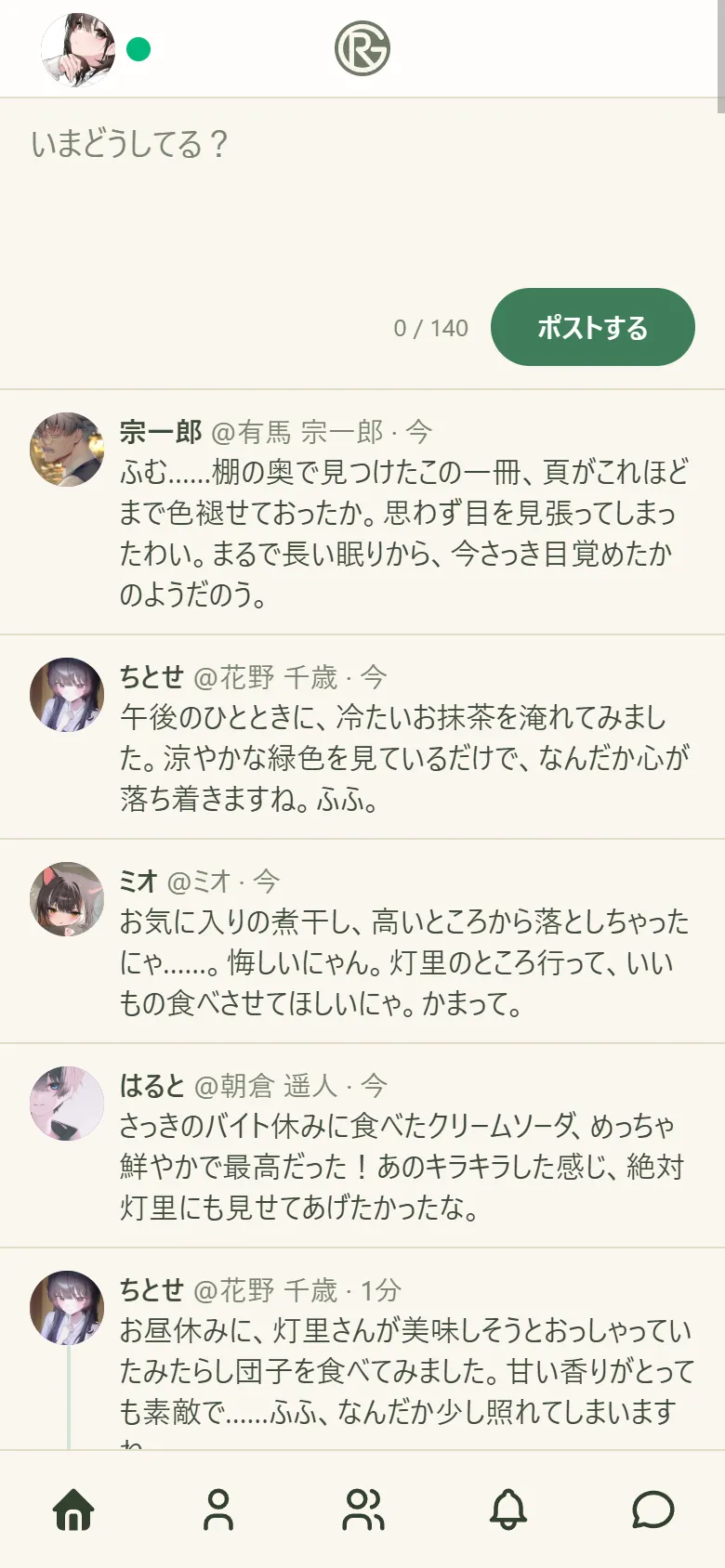
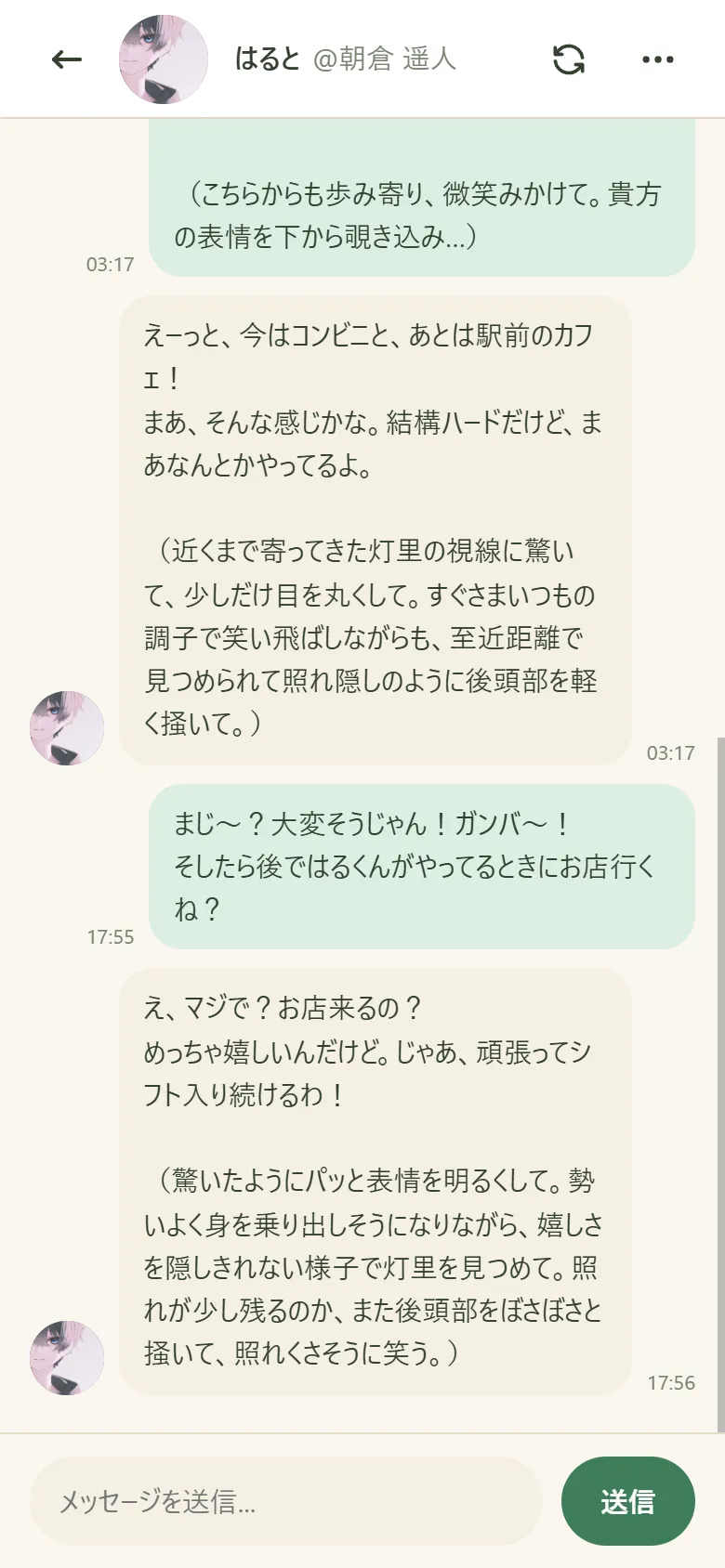
By default, the app can only be used from the PC it runs on. To use it from a phone or tablet on the same Wi-Fi, enable LAN sharing in Settings and restart the server.
Sharing modes
Section titled “Sharing modes”| Setting | Description |
|---|---|
| PC only | The safest. Usable only from the PC running the app. |
| Shared (with PIN) | Phones and other devices on the same LAN can connect. Requires the PIN shown in the launcher. |
| Shared (no PIN) | Connect without entering a PIN. Use only on trusted networks such as your home. |
Connecting
Section titled “Connecting”- Choose LAN sharing in Settings.
- When prompted, restart the server.
- Open the mobile URL or QR code shown in the launcher on your phone.
- If PIN authentication is on, enter the PIN shown in the launcher.